Manual 2 · Chapter 4
Signing in and opening the administration screen
You open the administration screen in the browser on the server (Start menu → KoonScan → KoonScan administration), or on a handheld scanner or phone. Only administrators can get in.
Signing in#
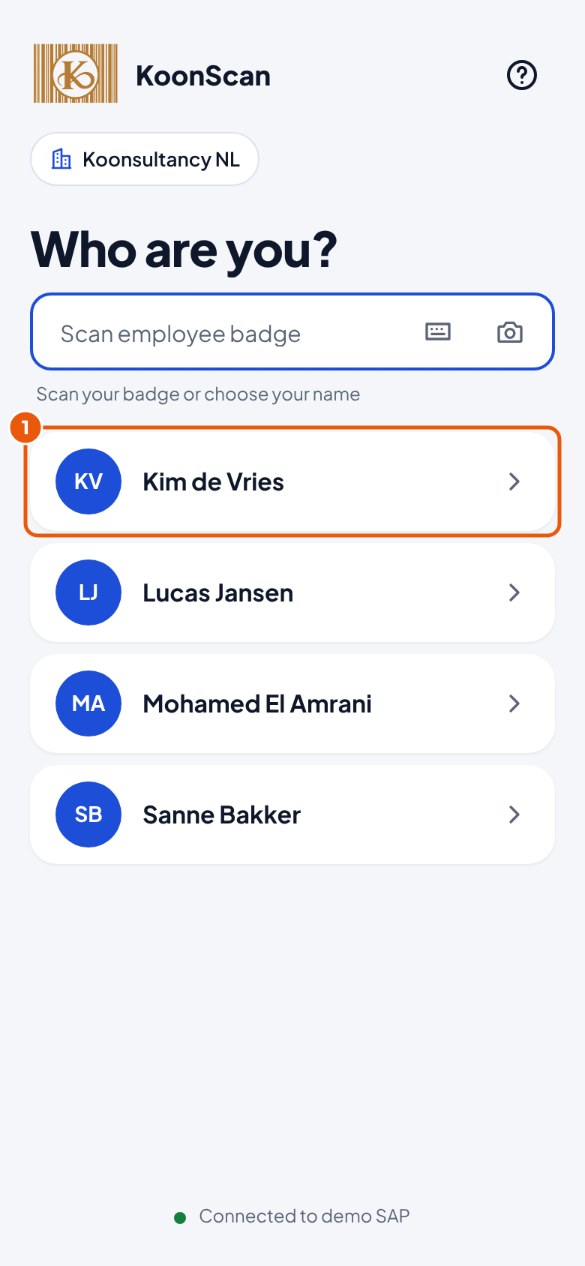
- Tap or click your name 1. (If you work with more than one company, choose the company first.)
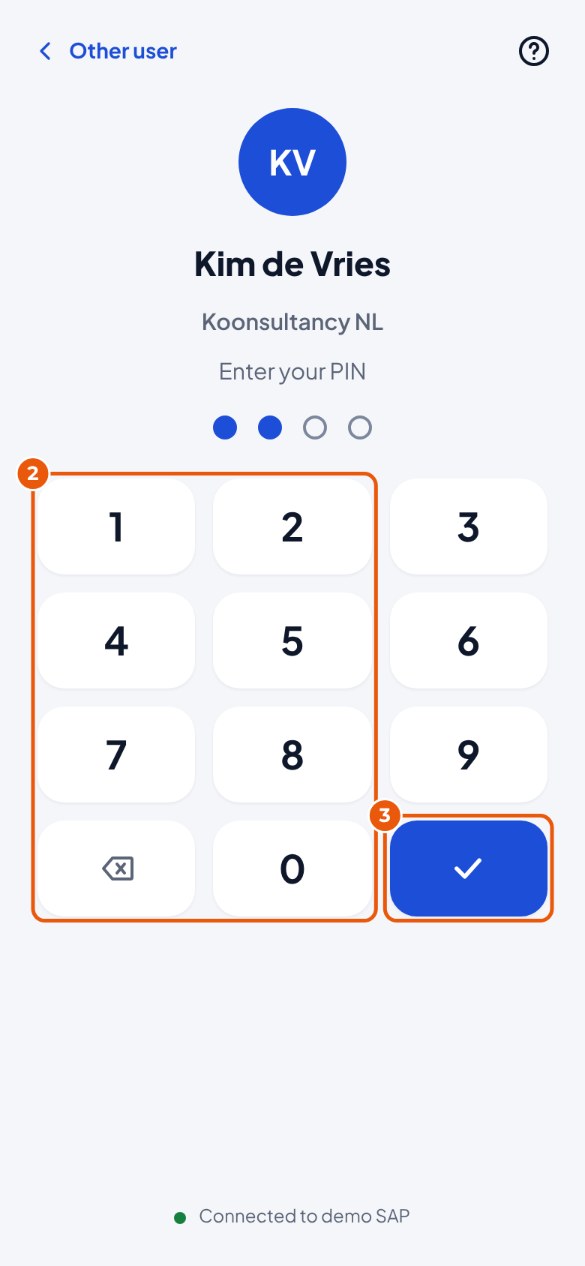
- Enter your PIN on the digits 2.
- Tap the check mark 3 to sign in.
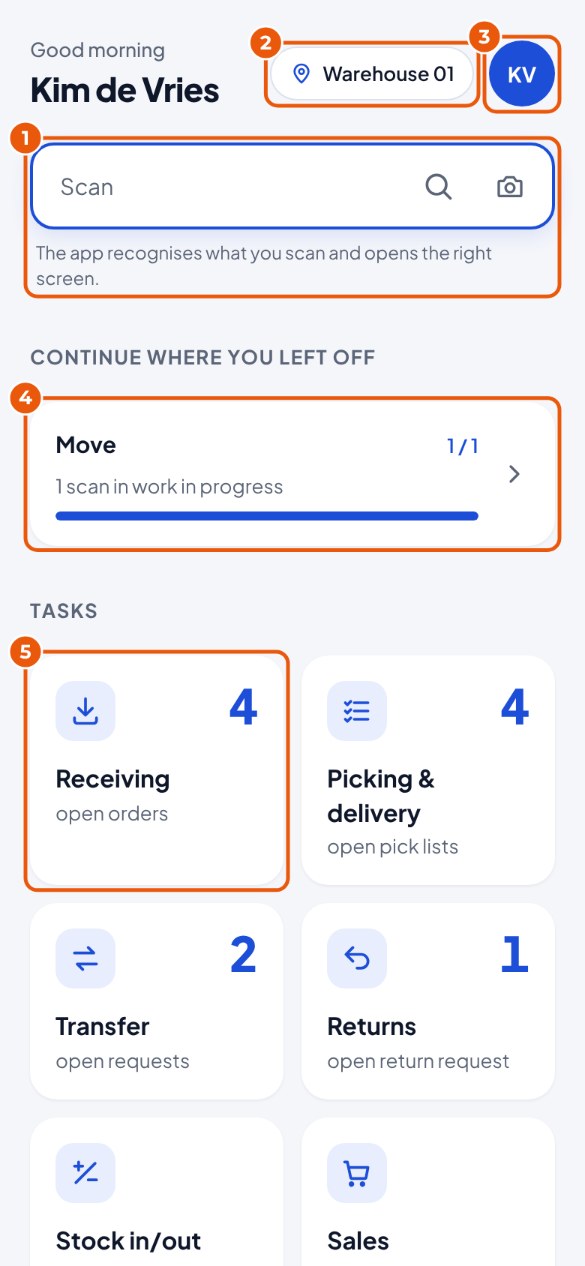
- You are on the start screen. At the top right, tap your initials 3.
The administration screen#
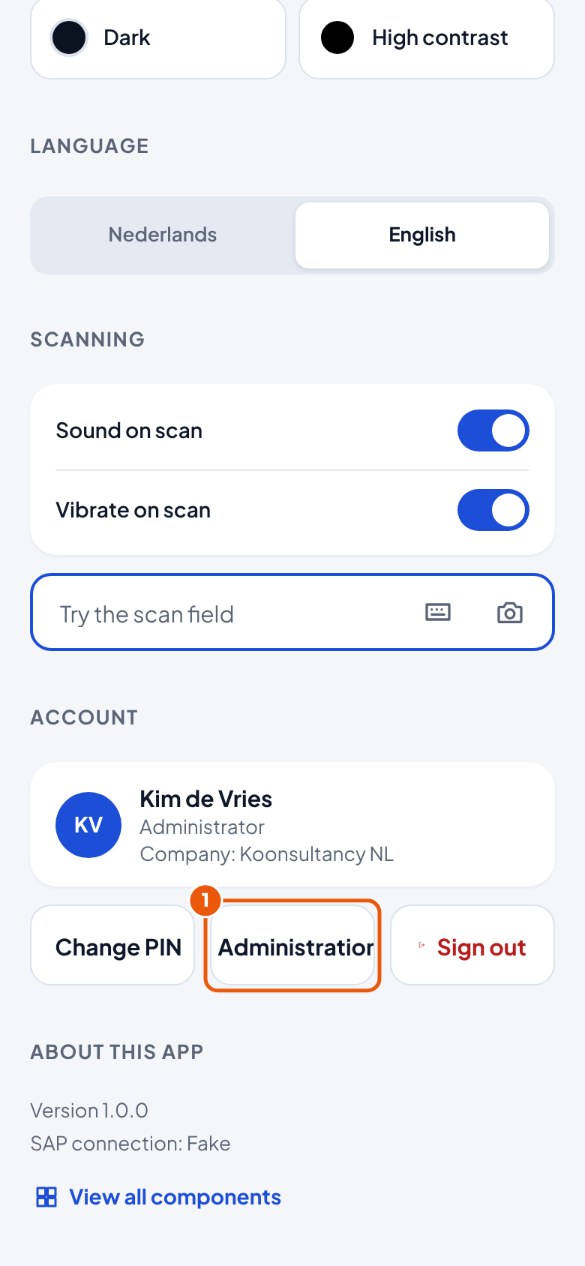
- You see your settings. At the bottom, tap Administration 1.
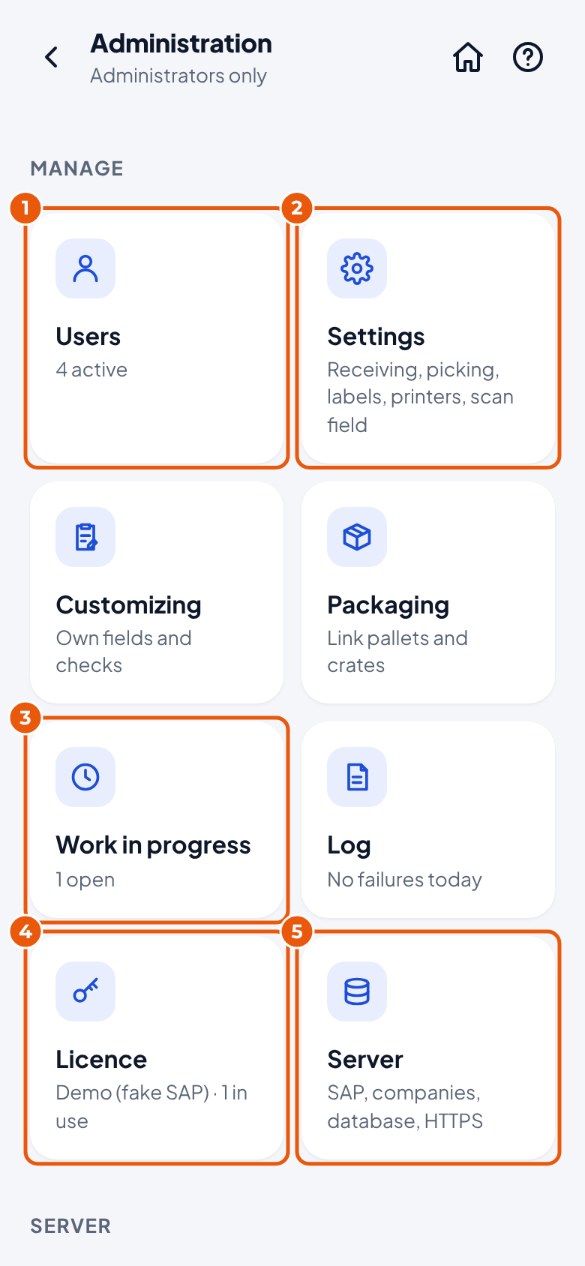
- This is the administration screen. From here you do everything: Users 1, Settings 2, Work in progress 3, Licence 4 and Server 5. There are also Customizing (own fields and checks, chapter 9), Log (chapter 8) and Packaging (pallets and crates, appendix B). At the bottom you see the details of the server.
- Is there a message at the top (for example: licence is about to expire, database almost full)? Read it and do what it says.