Manual 3 · Chapter 14
Packaging: pallets out and back
Does your warehouse work with exchange pallets or deposits? Then the header of Delivering, Receiving, Returns and the Counter has a Packaging button. You do a loose exchange at the door (a driver brings or collects pallets without a delivery) with the Packaging tile; for that you need the Packaging permission.
Packaging on a delivery, receipt or return#
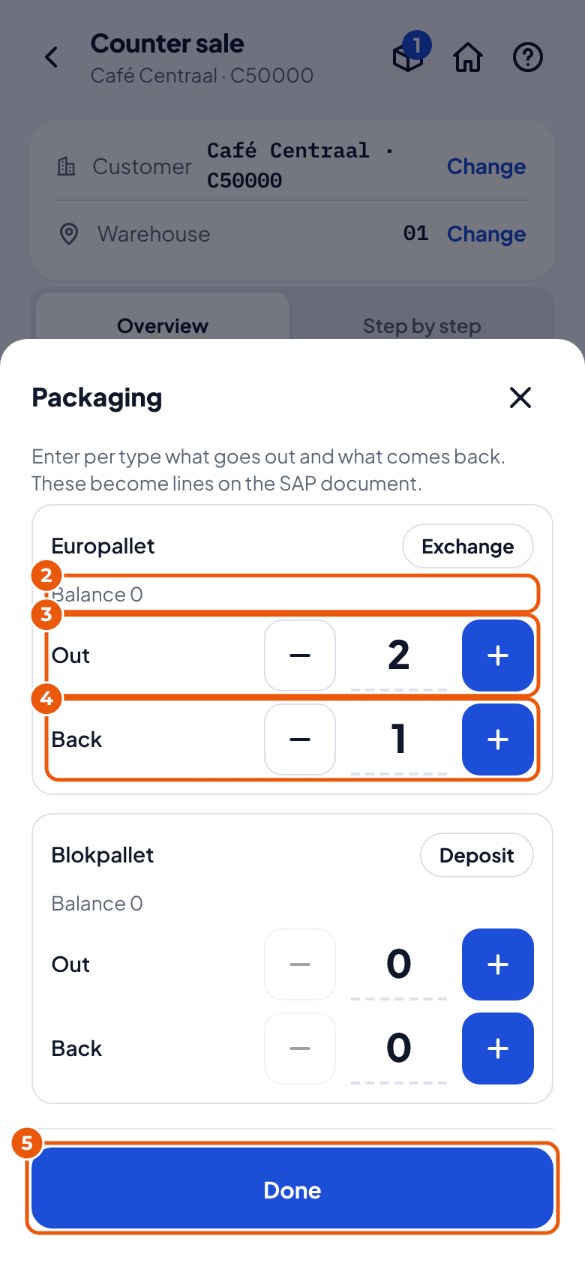
For each type you enter what goes out and what comes back. KoonScan puts that as lines on the same document in SAP.
- Scan the items as usual. Tap Packaging in the header (the box icon).
- For each type you see the balance of the customer or supplier 2: "Partner holds 12 of ours" means the customer still has 12 pallets of yours.
- Under Out 3 enter how many go out and under Back 4 how many come back. Tap Done 5. The button in the header now shows how many types you entered.
- Post as usual with Post to SAP. The packaging goes along.
A loose exchange at the door#
A driver brings pallets back or comes to collect empty ones, without a delivery or receipt.
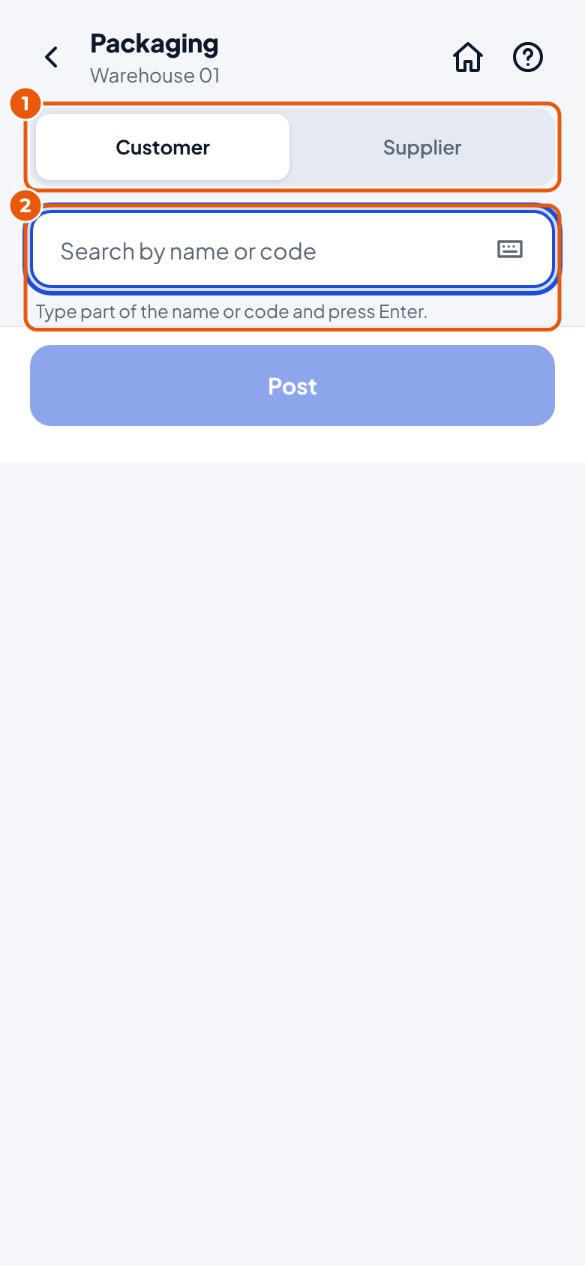
- Tap the Packaging tile. Choose Customer or Supplier 1 and look up the partner by name or code 2.
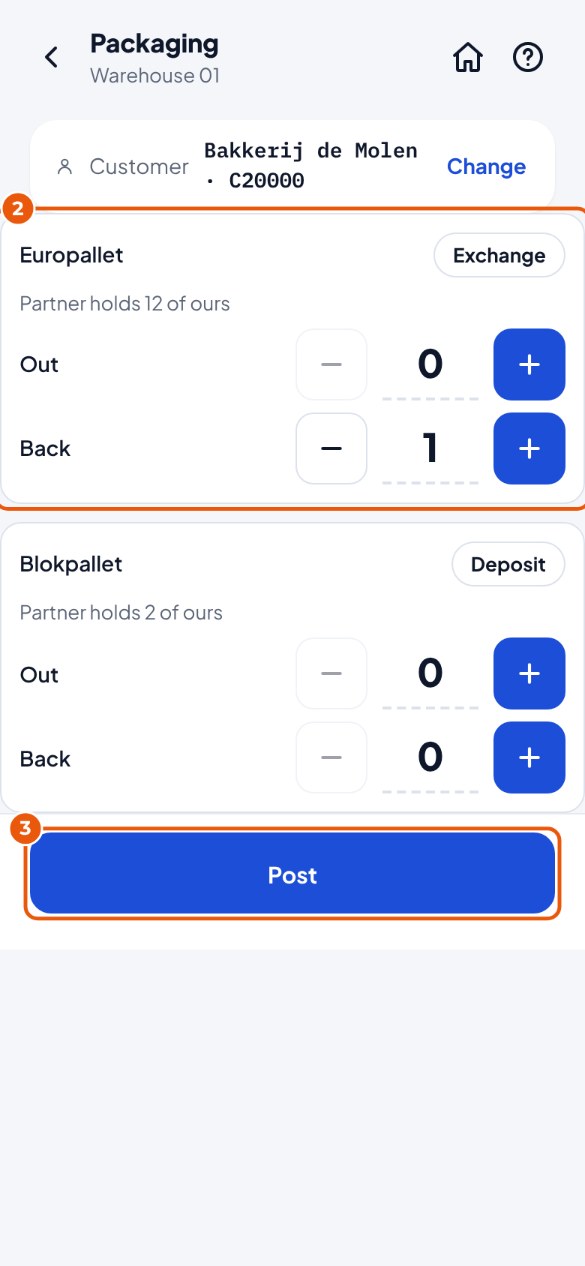
- For each type enter Out and Back 2. Next to it you see how many the partner now has of yours.
- Tap Post 3. KoonScan posts a delivery (customer) or goods receipt (supplier) with only the packaging. Next driver? Tap New exchange.