Manual 3 · Chapter 9
Counting
Counting a counting#
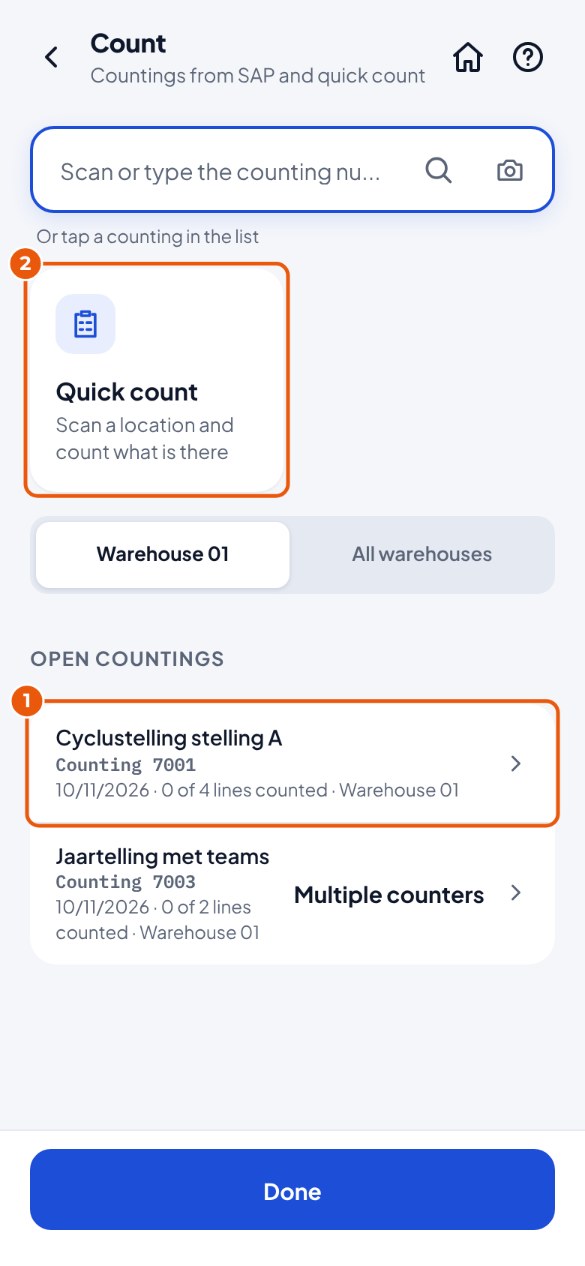
- Tap the Count tile and choose a counting 1. Want to check a bin location without a counting? Choose Quick count 2. Is the counting not in the list? It may be in another warehouse: tap Show all warehouses. Just created in SAP? Tap the round arrow at the top (Refresh).
Counting at a bin location#
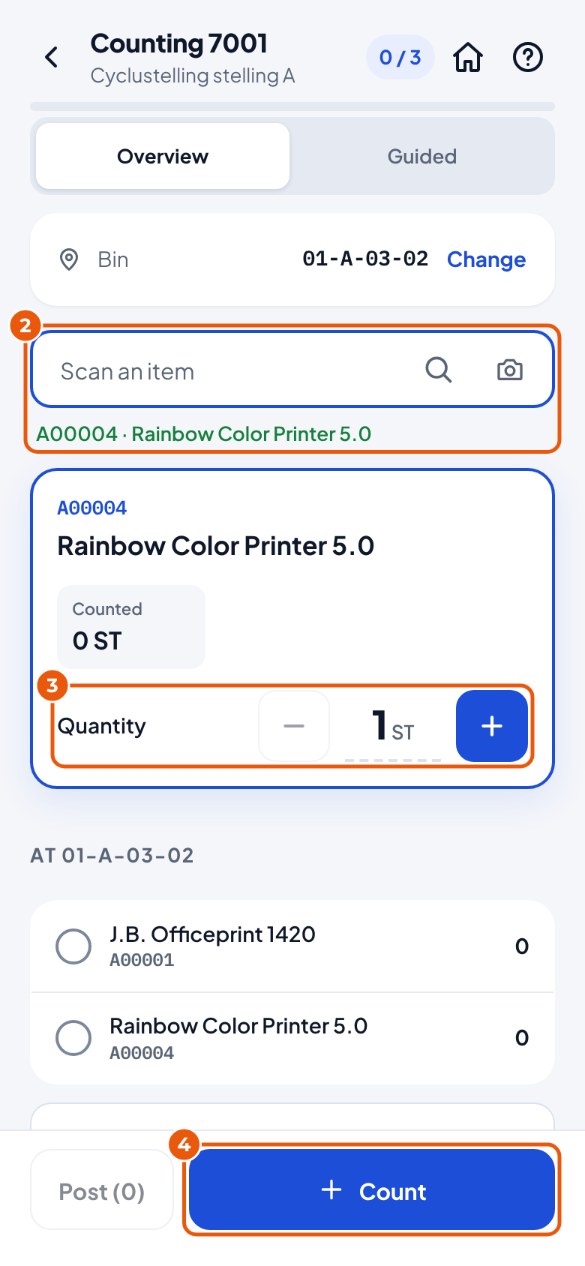
- Scan the bin location and then the item 2. By default you do not see what should be there according to SAP ("blind count").
- Enter the counted quantity 3.
- Tap Count 4. Do this for every item at the bin location.
- Finished with the bin location? Tap Finish …. Whatever you have not counted there counts as 0.
- All bin locations done? Tap Post to SAP.
Quick count#
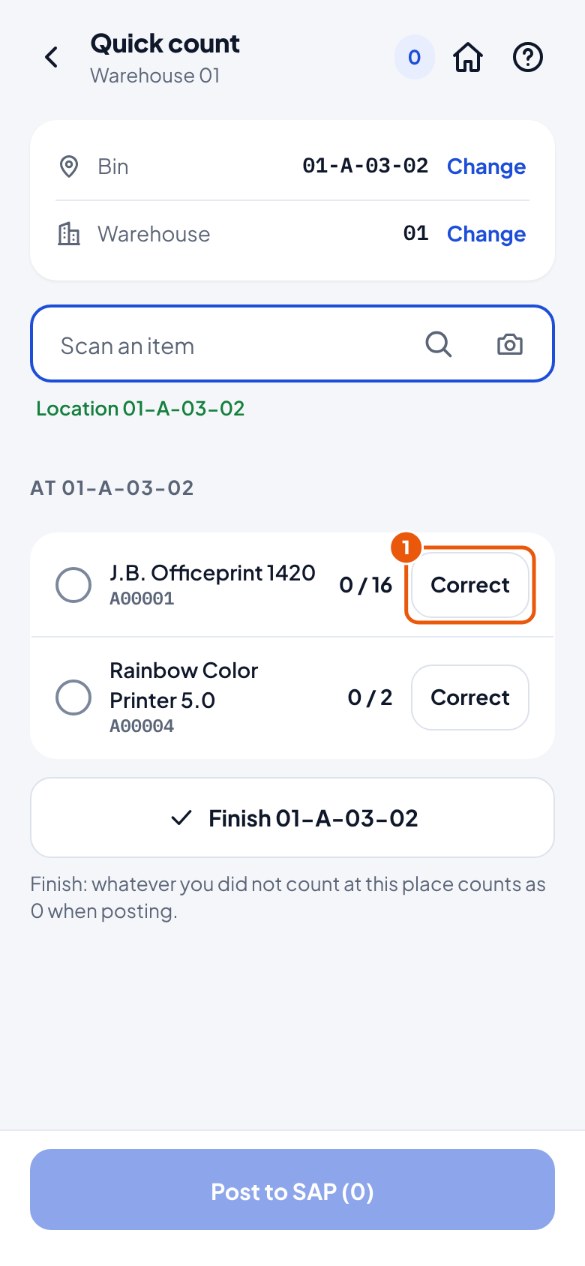
- Quick count: scan a bin location. You see what is there according to SAP. Is it right? Tap Correct 1. Not right? Scan the item and count.
- Finish the bin location and post. KoonScan creates a counting in SAP with the result.